




GaragePay
PayPal at a Glance - on your Mac

 Buy
License: $9.99
Buy
License: $9.99
 Download Now
Version 1.9.5What's New

New in Version 1.9.5(2024-09-29):
- improved compatibility with the PayPal API
for macOS 11.0/Big Sur or later
Manage your Paypal transactions
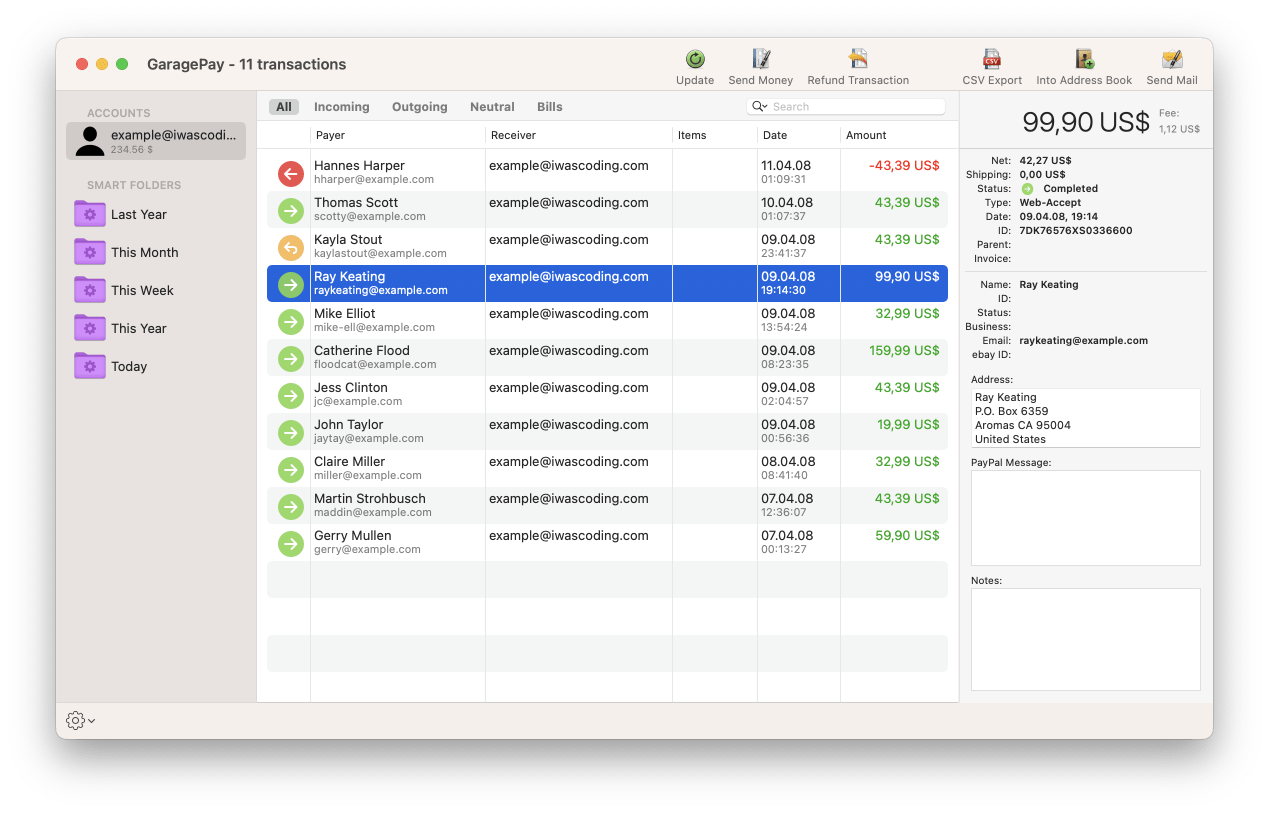
GaragePay is a Mac application designed to make dealing with PayPal a lot easier.It lets you download, view, search, and archive all your PayPal transactions without having to log into the PayPal website. Since all information resides in GaragePay's own database the application can be used fully featured even without an internet connection.
GaragePay includes a couple of handy features:
- It downloads all transactions in all accounts while updating previously downloaded transactions.
- Send money
- Refund payments
- Through the filter mechanism eBay sellers can search for a transaction, a payer's name and address or even single words in transaction messages.
- With Smart Folders you can keep track of payments from particular people or of transactions in a certain currency or time frame.
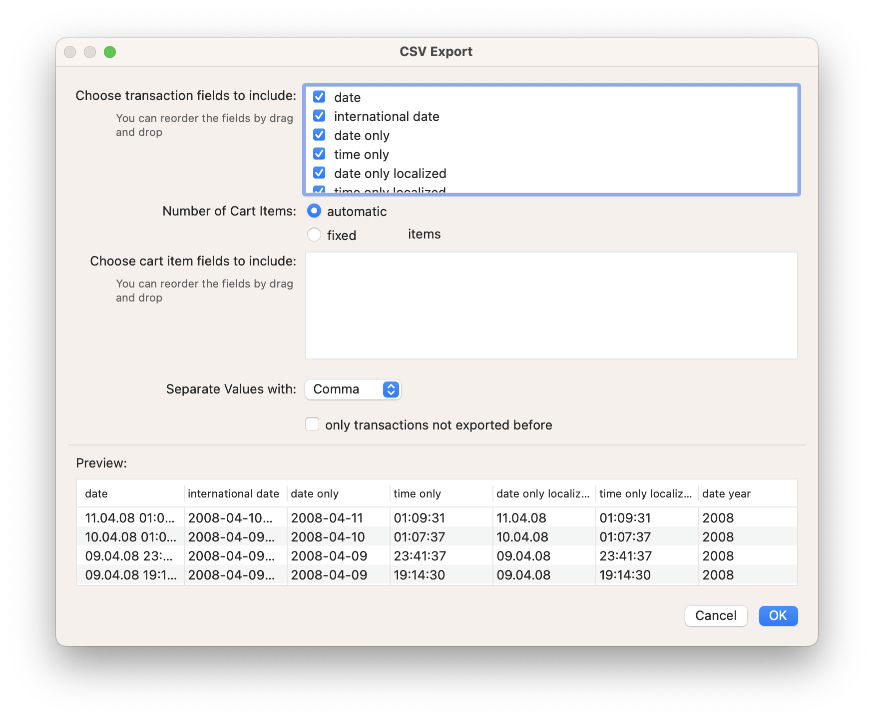
- If needed you can export CSV files that include all information shown in GaragePay's main window.
- Last but not least, you can use as many PayPal accounts as you like at the same time.
Dark Mode
GaragePay supports the Dark Mode appearance on macOS 10.14 Mojave and later.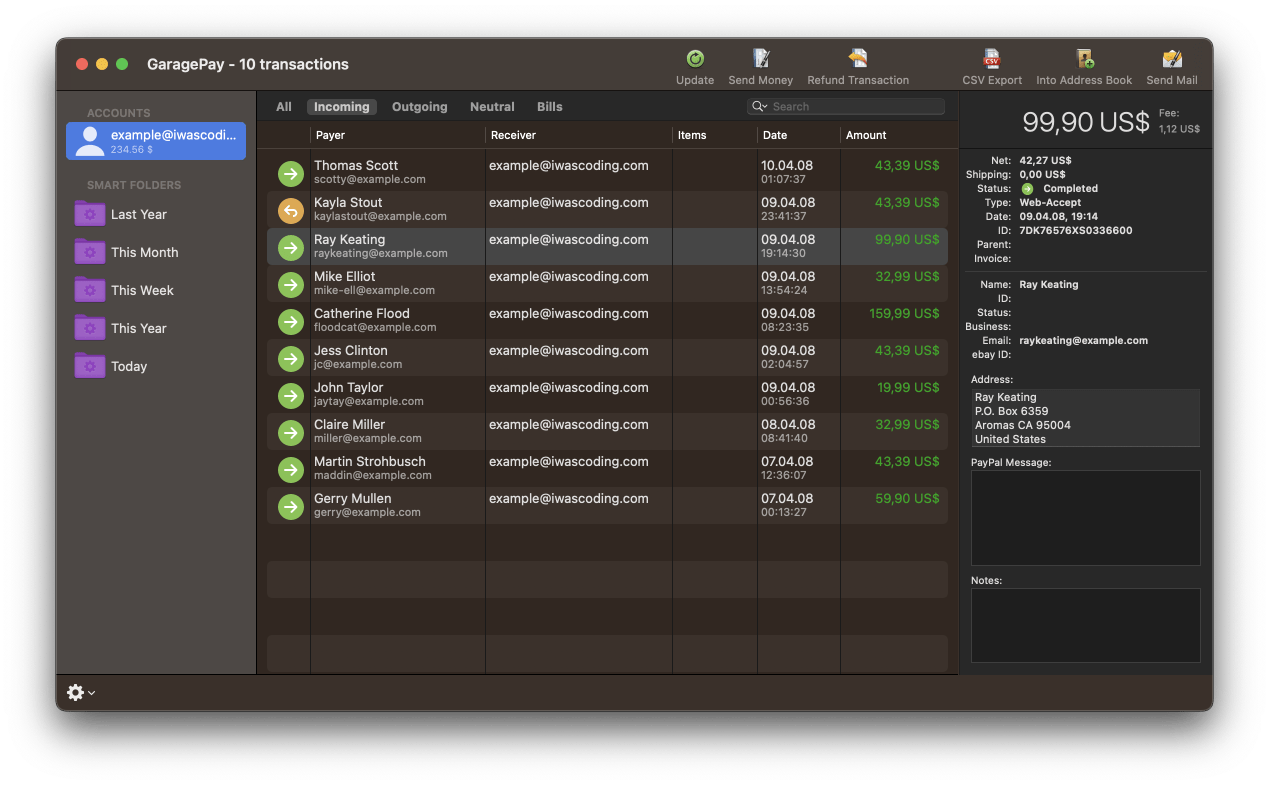
Send Money
With an email like interface GaragePay's way of sending money can be a real time-saver, e.g. when sending money to a lot of persons.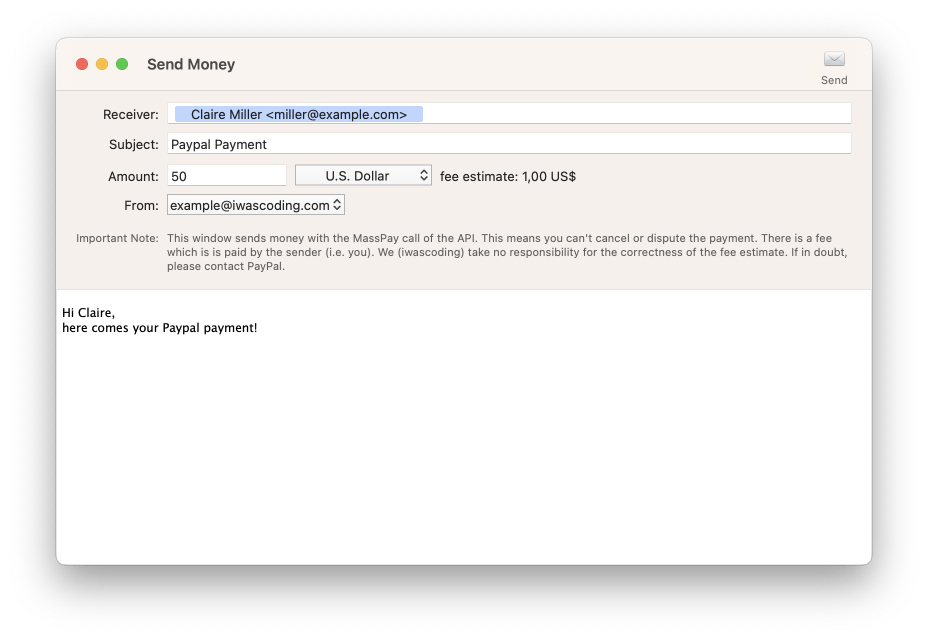
Refund Money
One of your customers is not happy? Well it can happen. Giving a refund has never been quicker so that you can stop being angry and continue concentrating on your business in no time.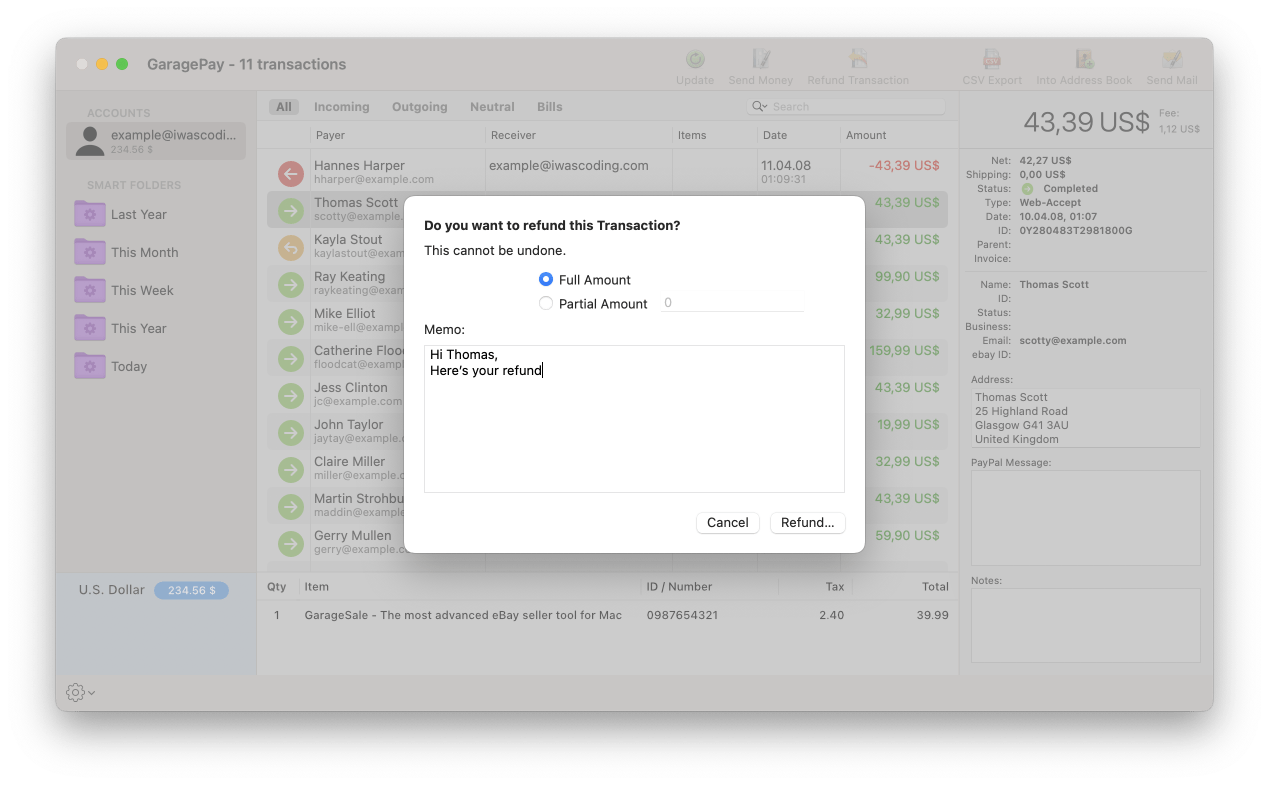
Powerful CSV Export
Looking for an easy way to add PayPal transaction data to your spreadsheet or database? With GaragePay you can export CSV files that include all information you need.Download GaragePay and start with your Paypal account or with a sample database.
All that's required is a PayPal Business account - and a Mac.
More Features
Smart Folders
Want to keep an eye on payments from the same person? Or transactions in a certain currency? Use Smart Folders to organize your PayPal transactions.Filter and Find Transactions
Use GaragePay's filter mechanism to find a transaction, a payer's name, his email address, his postal addressor even single words in the transaction message.Use Multiple Accounts
Use as many accounts as you like at the same time.Browse and Search Offline
Since all information resides in GaragePay's own database you can use GaragePay full featured even when don't have an internet connection!Notes
Add a note to a transaction to remember what the transaction was about.Address Book Export
Export the details of a payer to the Address Book.
